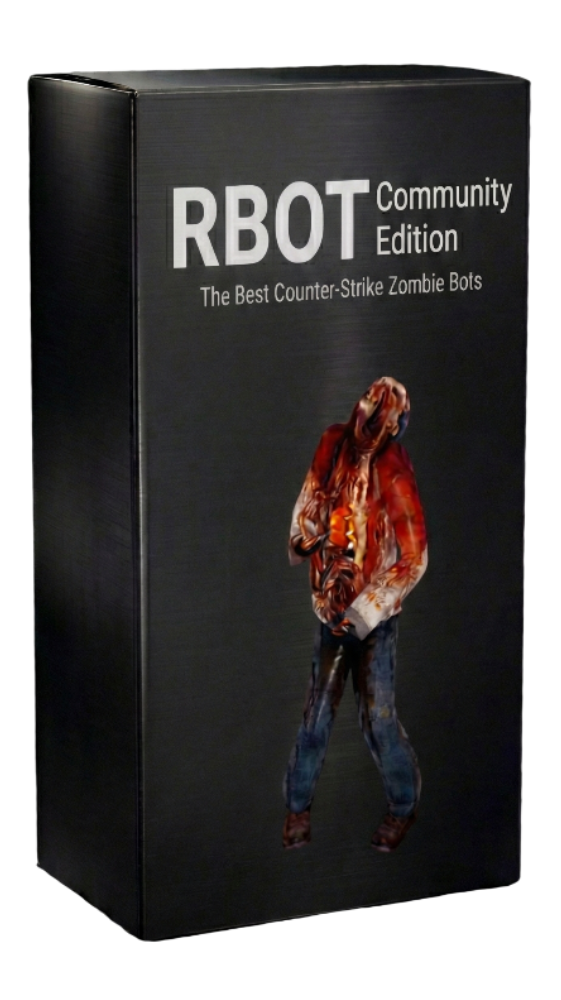
Counter-Strike 1.6 Plugin

RBOT

RBOT is a CPU-controlled bot plugin made especially for Counter-Strike 1.6 zombie servers, with a strong focus on smooth zombie gameplay and reliable behavior on Linux servers. It offers smart bot movement, combat behavior, and support for many popular zombie-style modes used by CS 1.6 communities. RBOT also includes advanced waypoint tools, so maps can be configured and improved directly in-game. It is built for server owners who want high-quality zombie bots that keep gameplay active and consistent.

  • Linux Native
  • Zombie Servers
  • Waypoint Tools
  • Multi-Mode Support

For the safest setup, test RBOT CE (Community Edition) first before buying.
If RBOT CE runs stable on your server, paid RBOT tiers are expected to run stable too.

RBOT CE

FREE

Community Edition

?Ubuntu: 18.04, 20.04, 22.04, 24.04
Debian: 10 (Buster), 11 (Bullseye), 12 (Bookworm), 13 (Trixie)
Comparable Debian/Ubuntu-based systems are expected with required 32-bit runtime libs installed
OS
UbuntuDebian
Servers
1
Fake Querys
Priority Support
Early Access

RBOT Plus

€18.00inc. VAT

Premium License

?Ubuntu: 18.04, 20.04, 22.04, 24.04
Debian: 10 (Buster), 11 (Bullseye), 12 (Bookworm), 13 (Trixie)
Comparable Debian/Ubuntu-based systems are expected with required 32-bit runtime libs installed
OS
UbuntuDebian
Servers
5
Fake Querys
Priority Support
Early Access

Currently 2 servers running RBOT, be one of them!

Requirements

Hosting & Runtime Requirements

RBOT targets specific supported distro versions first. The sections below list validated environments and the runtime requirements needed for stable deployment and licensing.

Supported Distros

Officially validated Linux targets for current RBOT builds:

Ubuntu 18.04

Ubuntu 20.04

Ubuntu 22.04

Ubuntu 24.04

Debian 10 (Buster)

Debian 11 (Bullseye)

Debian 12 (Bookworm)

Debian 13 (Trixie)

Comparable Debian/Ubuntu-based systems often work, but only the listed versions are the official compatibility baseline.

Required Server Software

RBOT is a Metamod plugin and requires the classic CS 1.6 dedicated server stack.

  • Required engine: HLDS or reHLDS.
  • Required plugin layer: Metamod or Metamod-R.
  • AMX Mod X and zombie-mode plugins are optional and depend on your server setup.

License Connectivity

License checks require stable outbound network access and valid system time.

  • Allow outbound HTTPS to license.neonmods.com on port 443.
  • Ensure working DNS resolution and synchronized system time (NTP recommended).
  • If the license server is unreachable, RBOT bot functionality stays disabled until validation recovers.

Filesystem Permissions

RBOT needs write access to its plugin directories to operate correctly.

  • Required writable paths: cstrike/addons/rbot/, cstrike/addons/rbot/neonmods/, cstrike/addons/rbot/logs/.
  • RBOT auto-creates neonmods_setings.cfg and runtime identity files used for license instance protection.

32-bit Runtime Libraries

RBOT binaries are 32-bit, so the host must provide 32-bit userland runtime libraries.

  • Core runtime: 32-bit libc, libstdc++, libgcc, and zlib.
  • Network/runtime dependency: libcurl.so.4 (32-bit).
  • License crypto runtime: libcrypto.so.1.1 or libcrypto.so.3 (32-bit).
  • Most plugin load failures on fresh hosts are missing :i386 runtime packages.

Typical Ubuntu / Debian Setup

On fresh hosts, enable multiarch once and install required 32-bit runtime packages.

  • Enable multiarch: dpkg --add-architecture i386 then apt update.
  • Install common 32-bit runtime packages: libc6:i386, libstdc++6:i386, libcurl4:i386, libgcc-s1:i386, zlib1g:i386.
  • If required by distro packaging, install the matching OpenSSL 32-bit runtime package that provides libcrypto.